
Cloud, on-premise or hybrid: digital signage CMS architecture for enterprise
The choice between cloud, on-premise, and hybrid models should stem from security requirements, integrations, availability, and maintenance. There is no single model best suited for every network. In practice, many deployments are hybrid: the central CMS operates in the cloud, the player renders playback locally from cache, and select data remains within the client's environment.
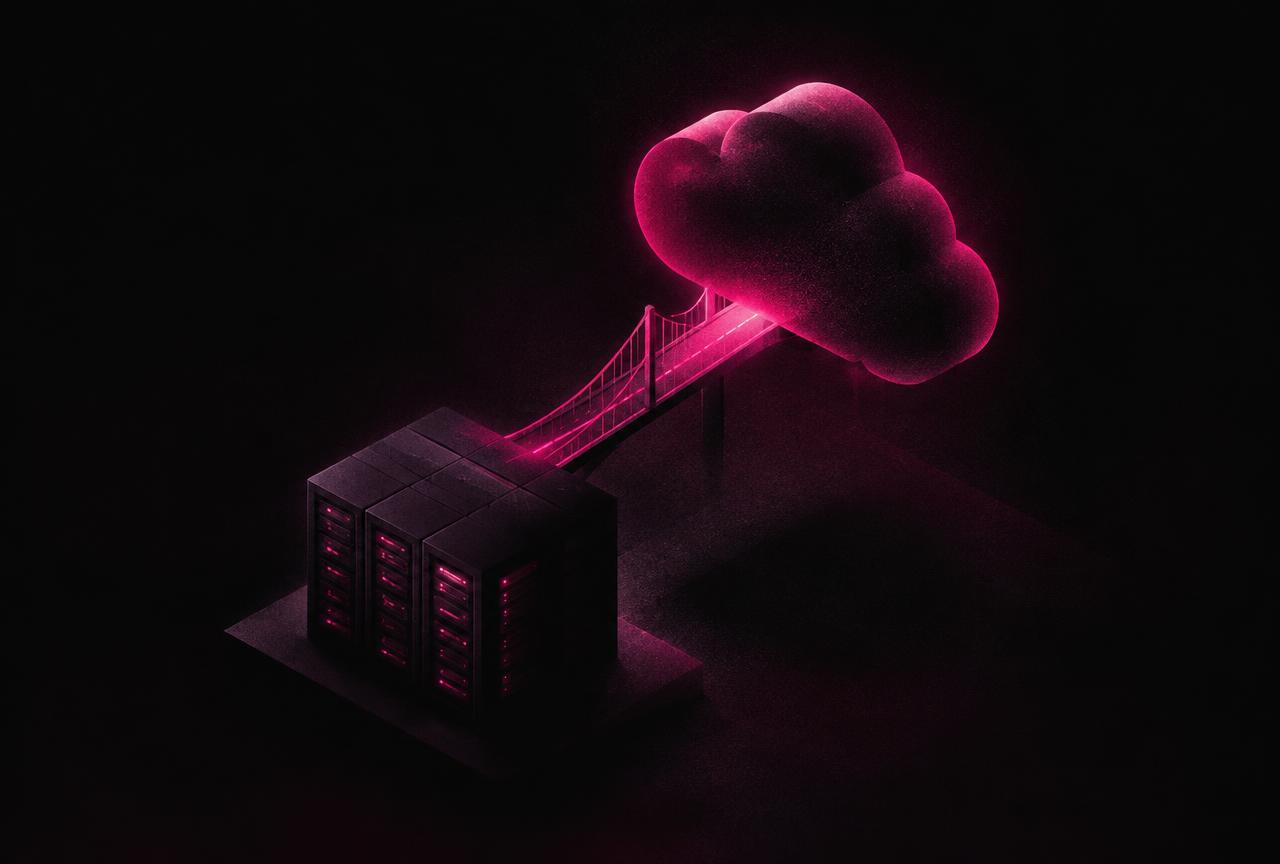
Cloud
The cloud enables rapid deployment, scaling, updates, and access for multiple teams. It requires evaluating data residency, hosting provider, backups, identity management, and bandwidth dependencies. Playback, however, should not rely on constant streaming over the internet.
On-premise
The on-premise model may be mandated by IT policy or specific integrations. It provides greater infrastructure control, but shifts responsibility for updates, capacity, monitoring, backups, disaster recovery, and external access onto the organisation.
Hybrid and edge
The player downloads approved assets, schedules, and rules, and then operates offline. Sensitive integrations can route through a gateway within the client's network. Computer vision analytics can run at the edge, sending only aggregated events to the central platform.
Decision criteria
Evaluate RTO and RPO, identity model, network segmentation, update frequency, content volume, offline requirements, number of sites, remote service methodology, log retention, and exit strategy. The architecture must also support expansion into POS, BI, adservers, and sensors.
The Nedilo perspective
NVP-100 and NAP-100 maintain continuous playback during connectivity loss, whilst Nedilo CMS centrally manages content, devices, and reporting. The selection of the model takes place during an architectural workshop with IT and business stakeholders.
Compare cloud and hybrid architectures against your IT requirements.
Book a call about your networkFrequently asked questions
Does digital signage work without an internet connection?
Yes. Playback runs from the player's local cache. An internet connection is required for content updates, reporting, and remote management.
When should you choose on-premise?
When dictated by security policy, data residency regulations, or integrations with systems inaccessible from outside, provided the organisation has the resources to maintain the environment.
Where should playback logs be stored?
Playback logs should be stored centrally with clearly defined retention policies and the ability to export them to the client's data warehouse.
Can you integrate the cloud with a local POS?
Yes. A typical solution is a gateway within the client's network that exposes only an agreed scope of data to the platform.
About the author and methodology
This material was prepared by the Nedilo expert team based on digital signage and in-store audio deployments in retail, QSR, petrol and commercial venues across Europe, as well as public industry standards (including IAB Europe, EDPB guidance and Google Search documentation). We verify recommendations in multi-location projects and update them whenever standards change.
Related articles

Digital Signage Security and Business Continuity in a Distributed Network
Digital signage security encompasses the CMS, user accounts, APIs, media players, the network, displays, content suppliers, and the publishing workflow. Across a net...

How to Choose a Digital Signage System for Retail Chains: 50 Criteria Instead of a Flashy Demo
A digital signage system for retail chains must be evaluated as an operational platform rather than a slide deck player. A flashy demo usually just demonstrates publ...

APIs and Webhooks in Digital Signage: Designing Fault-Tolerant Integrations
In digital signage, APIs enable the secure exchange of data, commands, and statuses between the CMS and client systems. However, the mere presence of an endpoint doe...