
Menuboards in QSR: synchronising screens, prices, dayparting, and sales data
A menuboard is a sales system operating under time pressure. It must simultaneously display accurate prices, available products, a logical menu hierarchy, and clear creative across multiple synchronised screens.
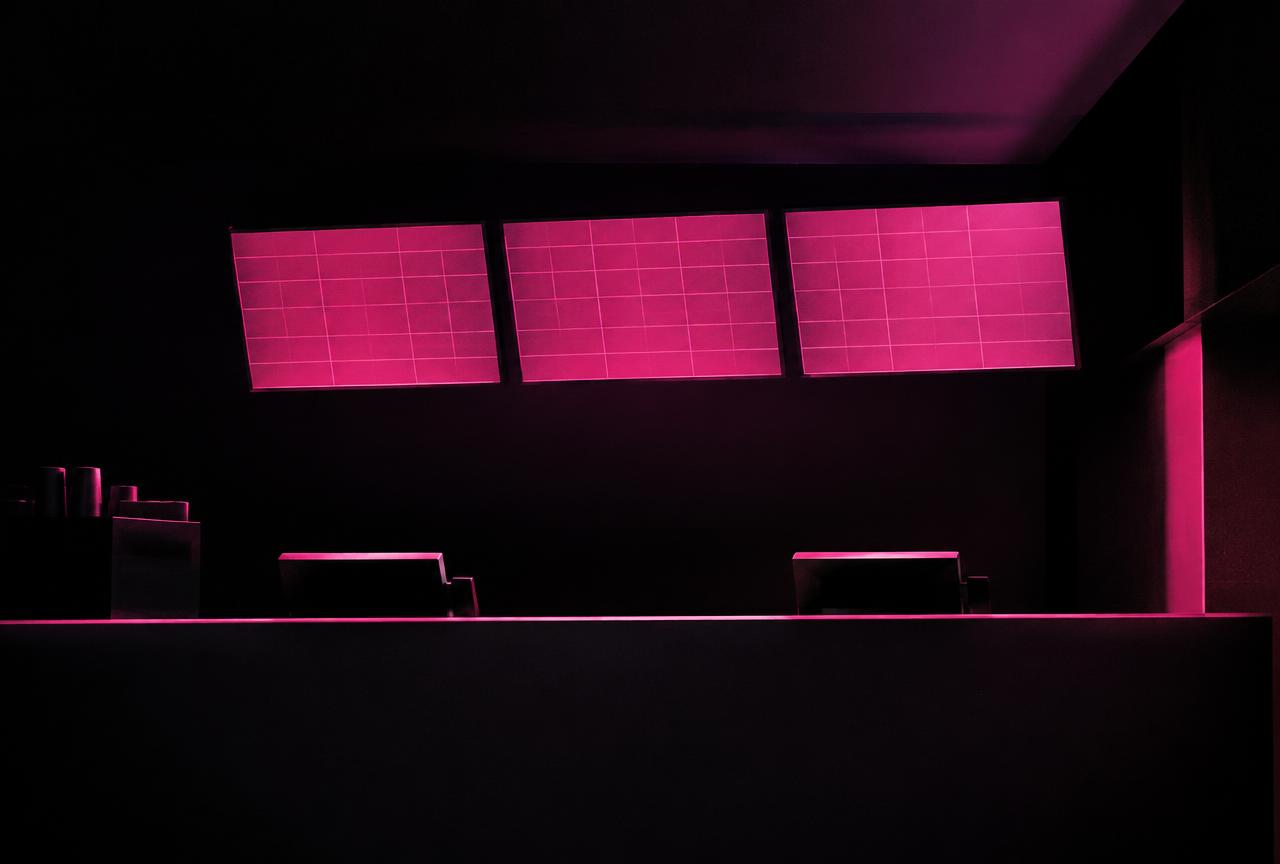
Content depends on the time of day and venue
Breakfast, lunch, drive-thru, and evening shifts may require different products, prices, and priorities. Dayparting should rely on a centralised calendar while allowing for controlled regional and local variations. An exception must never overwrite a central campaign without proper authorisation.
Integrating pricing and availability
Pricing should originate from an agreed source system. The PIM supplies the product and imagery, the POS or pricing engine provides the current price, and inventory systems deliver availability data. The template must validate completeness and incorporate a fallback. If a product is unavailable, the system can automatically hide or substitute it according to predefined rules.
Multi-screen synchronisation
Coordinated animations across multiple screens require a controlled player, tailored formats, and rigorous performance testing. If a single screen fails, the overall layout must still convey essential information, and the monitoring centre must register the issue immediately.
The Nedilo perspective
Nedilo CMS, NVP-100, and the Dynamic Content Feed layer bring together creative content, pricing data, scheduling, synchronisation, and monitoring. Use the attached menuboard visuals as the hero image and illustrations for this article.
Frequently asked questions
Where does the menuboard pull pricing from?
From an agreed source system, typically a pricing engine or POS. The CMS presents the data within a template and validates its completeness.
What happens if the internet connection is lost?
The menuboard plays the last approved version of the menu from local cache, while the system flags the lack of updates in the monitoring dashboard.
How do you synchronise multiple screens?
Via a player supporting multi-output displays or a synchronised group of devices, using tailored formats and animation performance testing.
Can a venue change a product independently?
Only within granted permissions, such as flagging an out-of-stock item, without the ability to alter pricing or the menu layout.
About the author and methodology
This material was prepared by the Nedilo expert team based on digital signage and in-store audio deployments in retail, QSR, petrol and commercial venues across Europe, as well as public industry standards (including IAB Europe, EDPB guidance and Google Search documentation). We verify recommendations in multi-location projects and update them whenever standards change.
Related articles
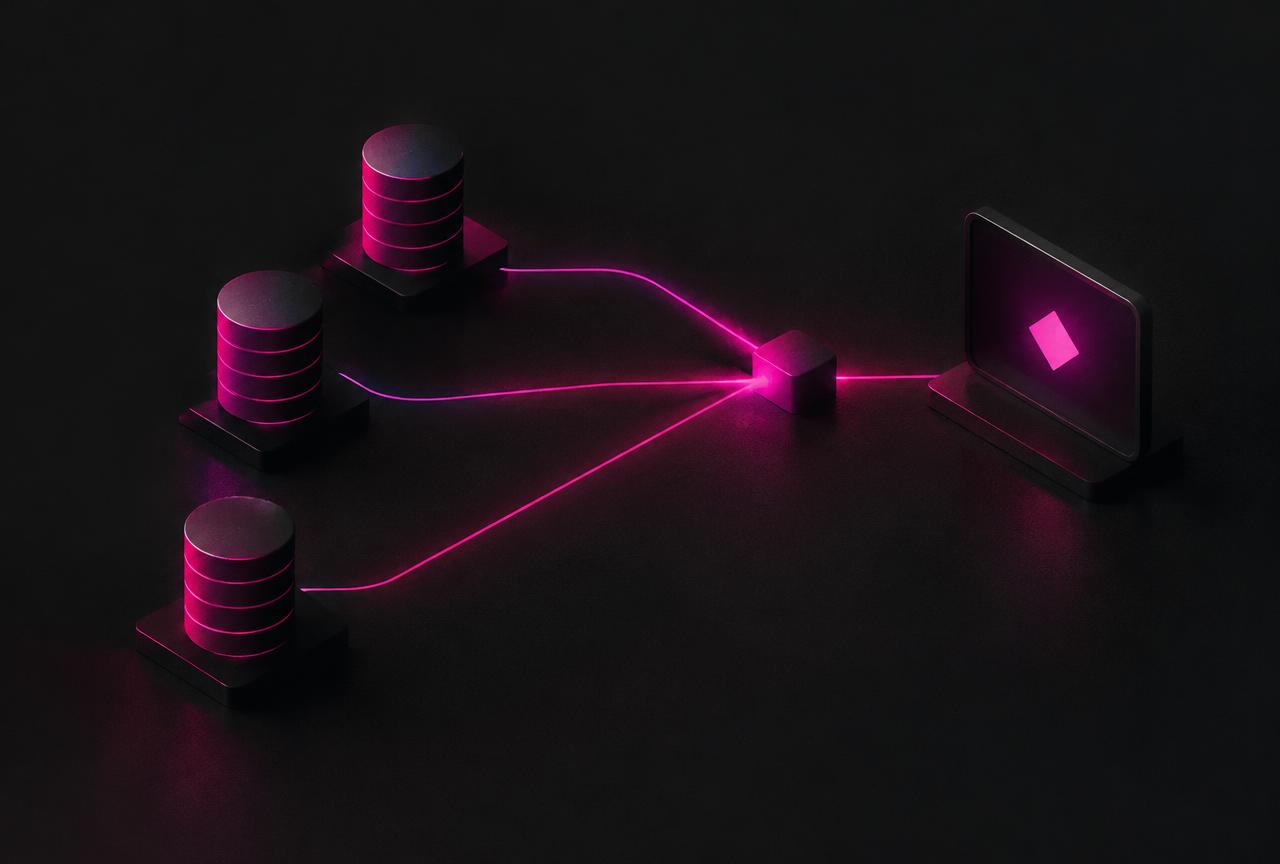
Integrating Digital Signage with POS, PIM, and ERP: Data Architecture Without Manual Work
Integrating digital signage with POS, PIM, and ERP transforms the screen from an isolated publishing channel into an integral component of the in-store operating sys...
How to Choose the Right Screen, Brightness, and Player for Digital Signage in Retail, Shop Windows, and QSR
Selecting a digital signage screen starts with the physical zone and communication objective, not the screen size. A menuboard operating for long hours daily, a disp...
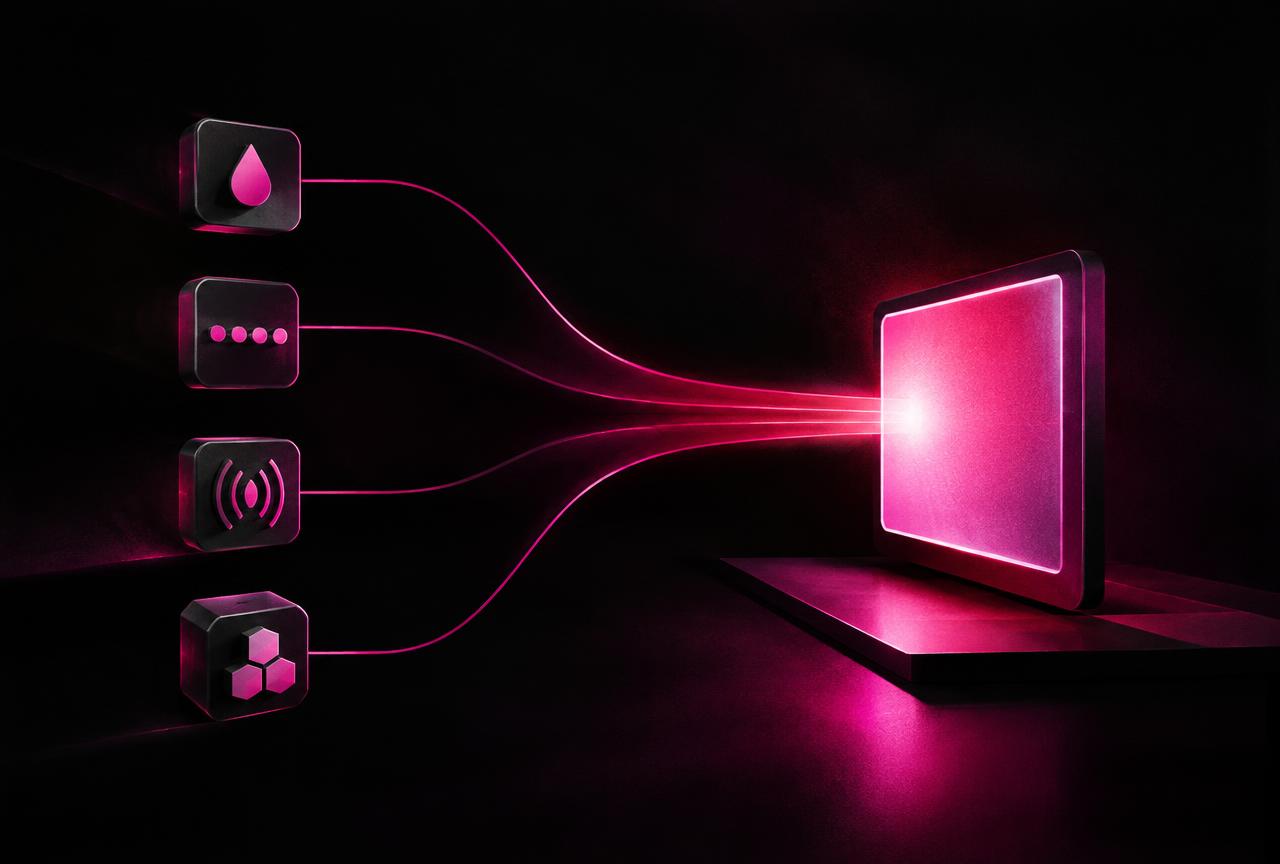
Smart Triggers in-store: weather, queues, footfall, and stock levels as content signals
A Smart Trigger is a rule that triggers or updates content based on an event or contextual data. This enables digital signage and in-store audio to respond to real-t...